KEYCAPS LAB

Keyboard reviews

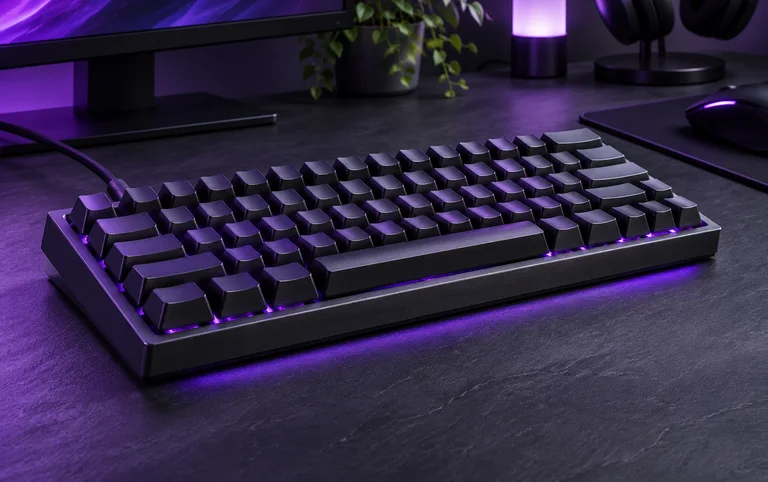
Mechanical keyboards with replaceable keycaps, from compact gaming layouts to everyday boards.

Keyboard reference

Matching reviews

2 reviews
Buying guide

Keyboard reference

Compare layouts, switch types, connections and features before buying a board.

Layouts

Layout decides which keys you get and which keycap kits fit. Smaller boards drop keys and often use shorter modifiers on the bottom row.

60%
About 61 keys. No arrows, function row or navigation keys. Those sit on a second layer. Browse reviews
65%
About 66 to 68 keys. Adds arrows and a few navigation keys. Often uses a short right Shift. Browse reviews
75%
About 81 to 84 keys. Keeps the function row and arrows in a tight block. Check the right-hand column. Browse reviews
TKL
Tenkeyless. A standard layout without the number pad, usually 87 keys. Browse reviews
96%
Keeps the number pad but closes the gaps. Usually 98 keys, with a few short modifiers. Browse reviews
Full size
A number pad and the standard spacing. 104 keys, or 108 with extra shortcut keys. Browse reviews
Switch types

Switch type sets how a key press feels. It also decides which replacement switches fit, which is a separate check from keycap fit.

Linear
A smooth press with no bump. Common on gaming boards. Browse reviews
Tactile
A small bump partway down tells you the key has registered. Browse reviews
Clicky
A bump with an audible click. Loud in a shared room.
Magnetic (Hall effect)
A magnet and sensor read how far the key has moved, so you can set the actuation point. Standard mechanical switches usually won’t fit these boards. Browse reviews
Connections

Wired boards connect over USB. Wireless boards use a 2.4 GHz dongle, Bluetooth or both. Check which modes the exact listing names.

Wired
Connects with a USB cable. Most boards here use a detachable USB-C cable. Browse reviews
Wireless
Uses a 2.4 GHz dongle, Bluetooth or both. Many wireless boards also work over a cable. Browse reviews
Features

These features change how far you can customize a board after you buy it.

Hot-swappable
Switches pull out and push in without soldering. Check whether the sockets take 3-pin, 5-pin or both. Browse reviews
Knob
A rotary dial, usually set to volume. Some can be reprogrammed. Browse reviews
QMK or VIA
Open-source firmware and a remapping tool that let you change any key. Browse reviews
Rapid trigger
On magnetic boards, a key resets as soon as it starts to rise. Built for fast repeated presses in games. Browse reviews
Gasket mount
The plate sits on soft gaskets, which changes the feel and sound of a press. Browse reviews
Aluminum case
A metal case or body. Heavier and stiffer than plastic. Browse reviews
Display
A small screen for settings or status. Browse reviews
Stock keycaps

The caps in the box tell you how the board looks and wears on day one. They also show what a replacement set has to match.

PBT
Often matte and slower to turn shiny with use. Browse reviews
ABS
Often smooth, with crisp legends. Heavily used keys can polish over time. Browse reviews
Double-shot
The legend is a second piece of plastic molded into the cap, so it doesn’t wear off. Browse reviews
Shine-through
Translucent legends let the backlight through. Browse reviews
Side-printed
Legends or secondary functions sit on the front face of the cap. Browse reviews